
Anaglyphs & Stereograms
Anaglyphs and stereograms are old, old 3D technology. By tricking the eyes just a bit, they allow viewers to see a 2D photograph in “3D.” We can make anaglyphs and stereograms ourselves with just some photo editing software.
To do the demos in this section you will need:
Markers, like Crayola classroom markers or alcohol markers
Plastic color filters, particularly in red, magenta, cyan, blue and green
A digital camera (cell phones work great)
Photo editing software that supports layers and color channels, such as
Photoshop
Affinity Photo
Inkscape
GMP
A stereogram viewer (for the ambitious, they pop up on eBay)
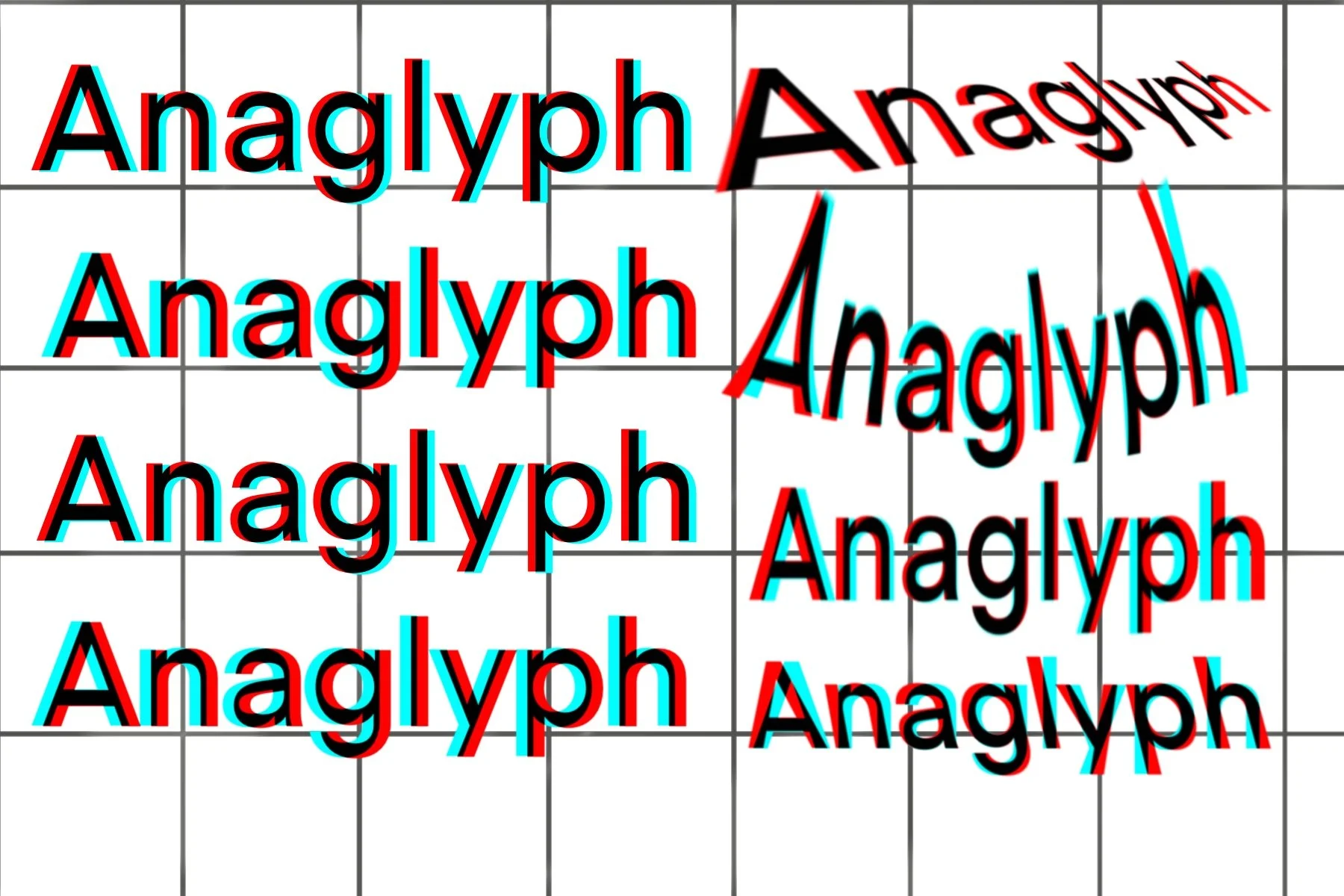
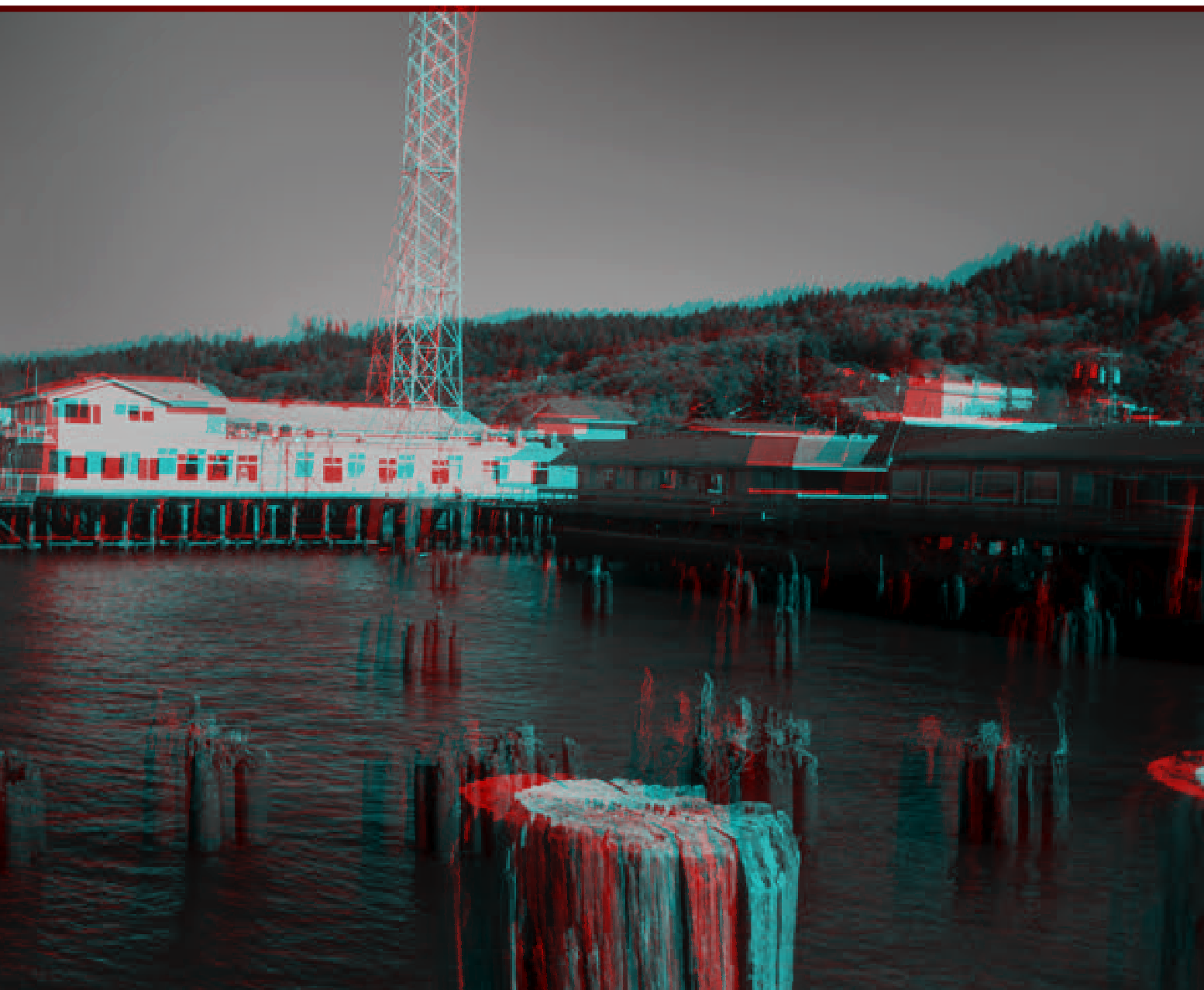
Anaglyph second lesson: Grayscale
Let’s use all the grays! Plus a bonus challenge to add a little interest to all future anaglyphs.
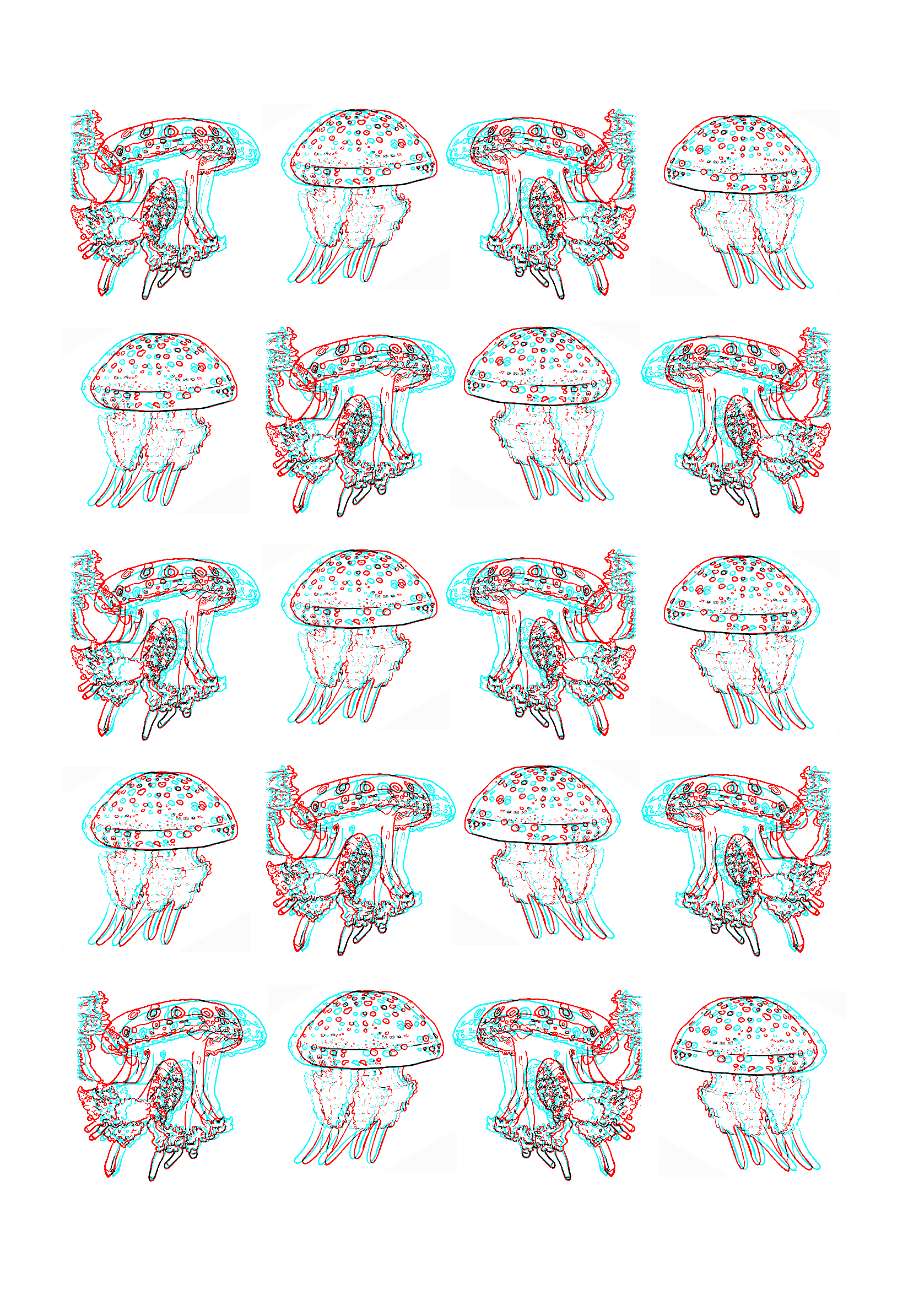
Our first anaglyph lesson <3
One word, one sketch, one copy of photo editing software that only designers, rich people and software pirates could get back in the day, and you are on your way to making your own anaglyphs.
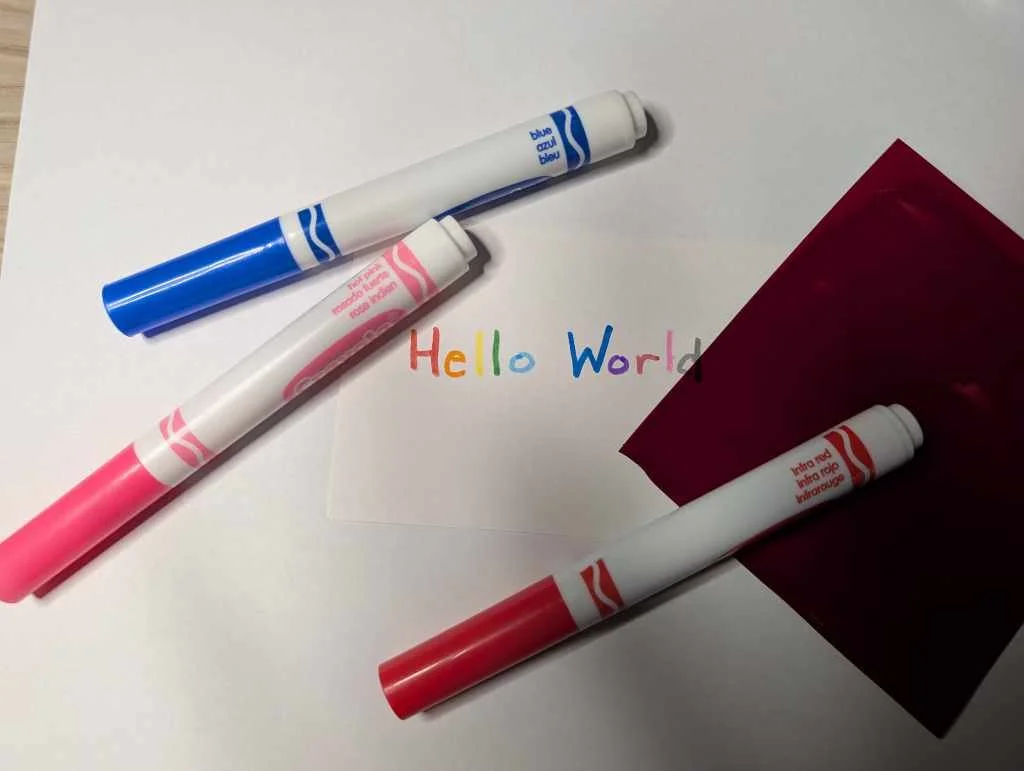
Super Spy Decoder
Beginner spy craft using color theory.
Anaglyphs & Stereograms: Introduction
Bad 3D is so easy, we can make some together right now.