
Our first anaglyph lesson <3
We begin our 3D journey with the simplest possible anaglyphs, formed from simple black and white images. And when I say B&W I mean it, none of this 8-channel greyscale business (we’ll get to that). We have some general instructions for making anaglyphs from text or line drawings. If you want to focus on the process, just type a word. You’ll see how creative I was - my first attempts were “Anaglyph” and “Electric Moonfish.” If you’re fancy, trace a favorite photo - but keep it simple.
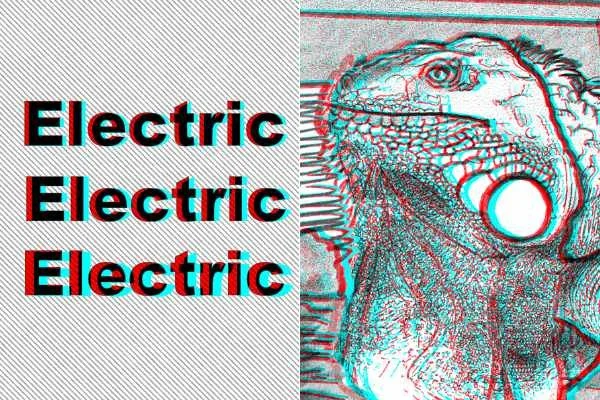
Left: What we’re doing now. Right: Later, after (left) is second nature.
You’ll find in the instructions I kind of yada-yada-ed the most technical part, which will be turning your B&W layer copies into red and cyan. This is because the process is minorly different with each program. Select your program (GIMP or Inkscape for open source, Affinity if you’re a Canva user, Photoshop if you’re a pro and already stopped reading this section) and take some time to explore using layers, color channels, blend modes and masking. Later I’ll try to add a page comparing and contrasting the different programs.